Smart Home System
Residential Solar
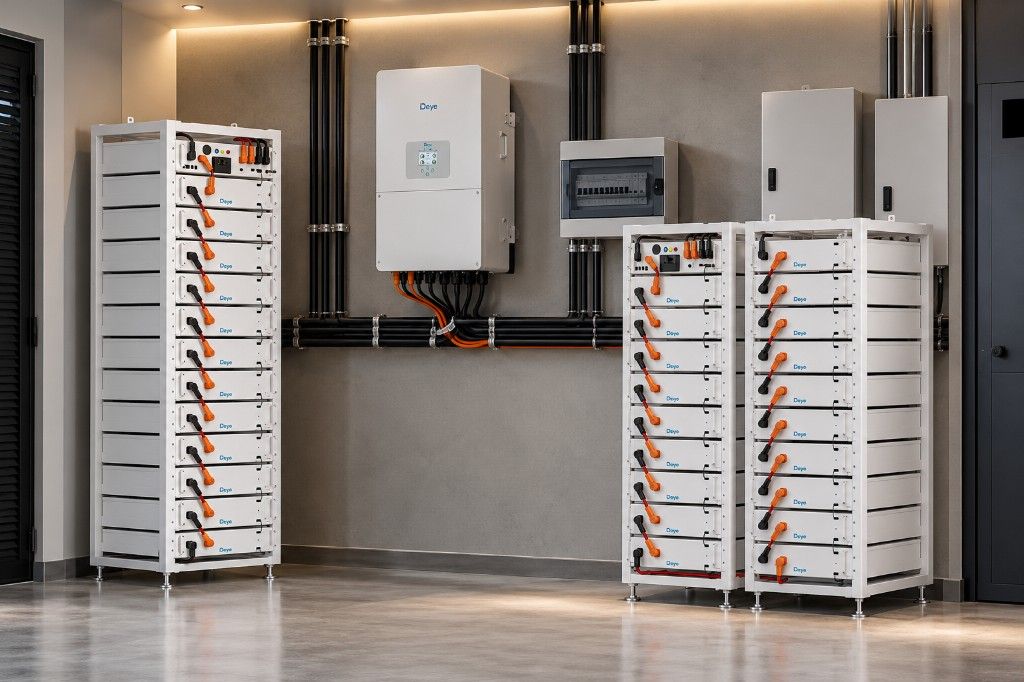
Solar panels, an inverter and batteries sized to the appliances your home needs to keep running.
Starts with Appliance list and site surveyCommercial & Industrial Solar
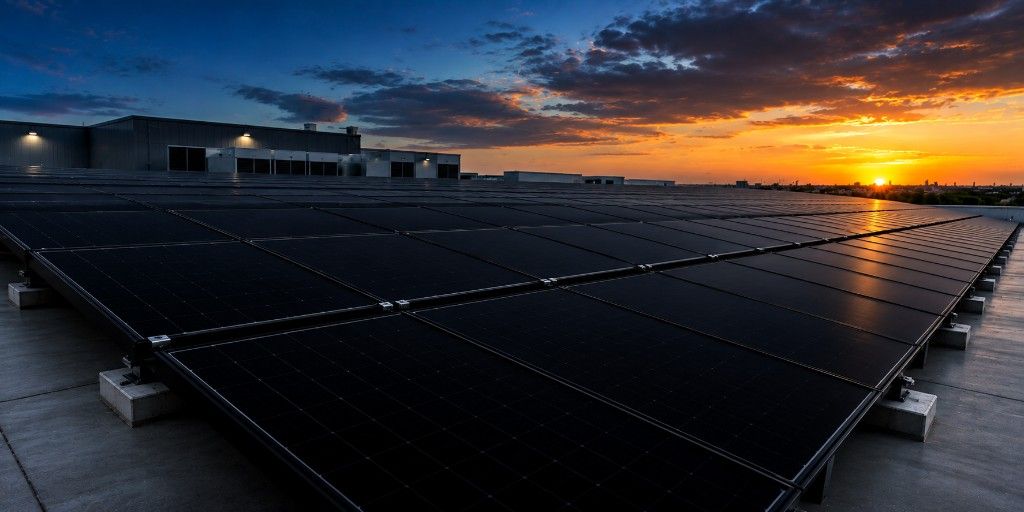
Solar and battery systems that cut generator fuel and keep offices, shops and factories running.
Starts with Energy audit and site surveyHome Automation
Integrated controls for lighting, air conditioning, gates and intercoms, planned around how you use your property.
Starts with Home walkthrough and plan reviewSecurity
CCTV, access control, alarms and intercom systems, with backup-power options to help maintain security during outages.
Starts with Site risk walkthroughHome Automation
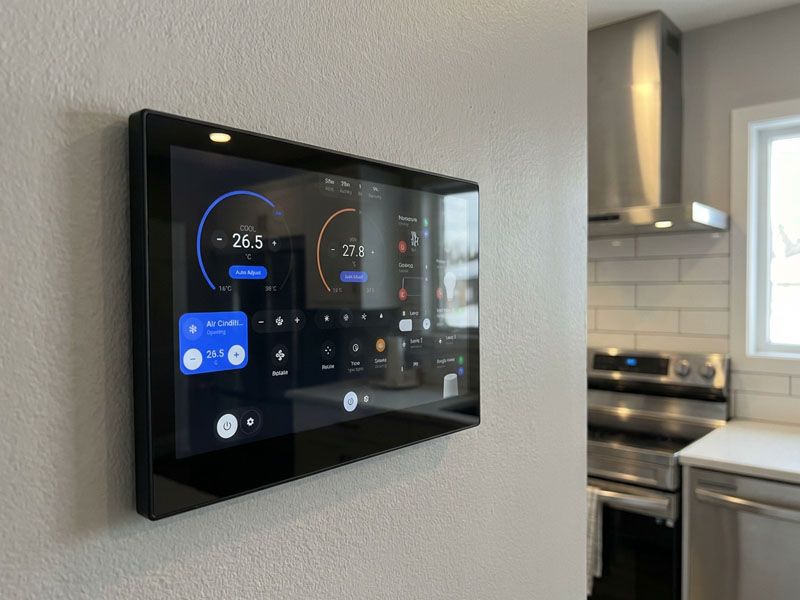
Integrated controls for lighting, air conditioning, gates and intercoms, planned around how you use your property.
- Suited for
- Residential
- Commercial
- Industrial (not a typical scope)
- Starts with
- Home walkthrough and plan review
- You bring
- Floor plans, how you want to control the house, and details of any existing wiring or devices.
- We deliver
- Design, a cabling plan, supply, installation, programming and handover training for everyone in the house.
What is included
Typical scope. We confirm the final scope after the site assessment.
Lighting and scenes
Rooms set up for how they are used, from one-touch scenes to automatic schedules.
Air conditioning and blinds
Air conditioning, fans and blinds coordinated, so rooms are comfortable without wasting power.
Gates, doors and intercom
Gates, doors and visitor entry controlled from your phone and from the wall.
Energy monitoring and load control
See what the house uses, and switch off non-essential loads automatically when running on backup power.
Network and cabling
Wiring and Wi-Fi planned first, so the system stays reliable and can be extended.
What to know before you buy
What can be automated
Lighting, air conditioning, fans, curtains and blinds, gates, doors, intercoms, cameras and energy use. Start with what you will use every day; more can be added later if the wiring allows for it.
Why wiring comes first
Most smart-home problems come from weak Wi-Fi and poor cabling, not from the devices. Planning cables and network before plastering, ideally at the building stage, keeps the system reliable and easy to extend.
How it works in a power cut
The network, hub and key controls are put on backup power. When the grid goes off, the system can switch off non-essential loads automatically so your batteries last longer.
New build or existing home
New builds and major renovations are easiest, because cables can be run before finishing. In finished homes, wireless devices can cover many functions with little disruption.
Common questions
Can you automate a house that is already built?
Yes. Wireless switches, sensors and controllers cover most functions without cutting into walls. Some features, such as wired cameras or a central equipment cabinet, are easier with some cabling work.
Will my smart home work without internet?
Core controls such as wall switches, lighting scenes and schedules can be set up to run locally, so they keep working when the internet is down. Control from outside the house needs an internet connection.
Does a smart home work during power outages?
Yes, if it is connected to backup power. We put the hub, network and important controls on your inverter or solar system, and can set non-essential loads to switch off automatically to save battery.
Can everyone in the house use it?
That is the aim. Each room keeps simple wall controls, and the app is set up with the scenes your household actually uses. Handover training is included for everyone who will use it.
Can home automation save energy?
It can, by switching off lights and air conditioning in empty rooms, running schedules and shedding non-essential loads when you are on battery power. Energy monitoring shows where your power goes.
Can I add more devices later?
Yes, if the cabling and network are planned for it. We design the system so new rooms and devices can be added without starting again.
How we approach it
A smart home fails when it is hard to live in. We specify the whole system once, with one app and simple wall controls, plan the cabling properly, and tie it to your power system so the loads that matter stay on during an outage.